
You’ve spent weeks crafting the perfect content. Your keywords are researched, your headers are polished, and your images are optimized. But weeks later, your traffic is flatlining. You check your rankings, and they’re nowhere to be found.
The culprit usually isn’t your content; it’s the plumbing of your website. In the world of digital marketing, Technical SEO is the foundation upon which everything else sits. If your foundation is cracked with broken links, messy redirects, and “crawl waste,” Google’s bots will struggle to understand your site—or worse, they’ll stop trying.
In this guide, we’ll dive deep into a Technical SEO Audit strategy that focuses on fixing the silent killers of search rankings.
1. The Invisible Drain: Understanding Crawl Budget
Before we fix the errors, we need to understand how Google views your site. Google doesn’t have infinite resources. It assigns every website a “crawl budget”—the number of pages the Googlebot will crawl and index within a specific timeframe.
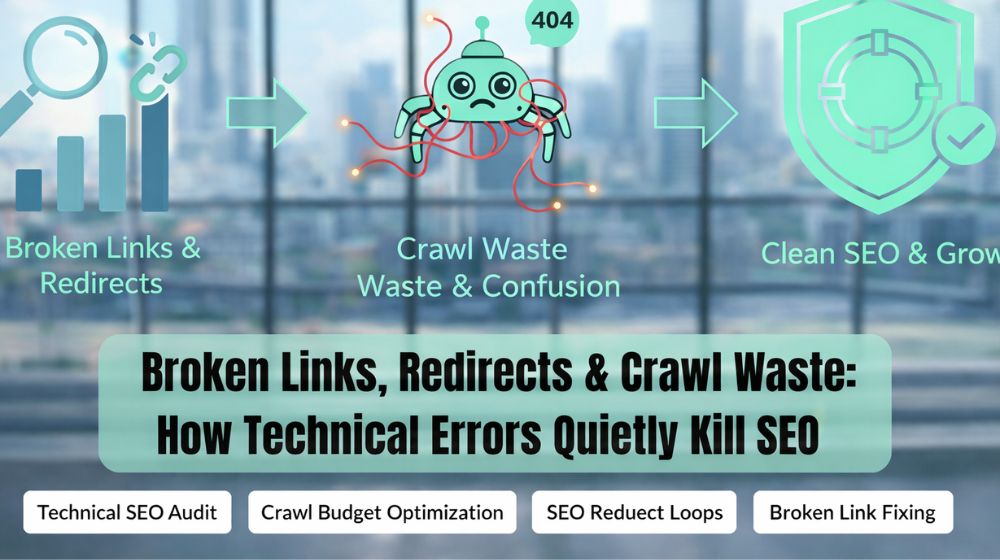
If your site is cluttered with errors, Google spends its budget on “dead ends” instead of your high-converting landing pages. This is why Crawl Budget Optimization is critical for large websites. If you have 10,000 pages but 3,000 are broken or redirecting incorrectly, Google might never reach your newest blog post.
How to Identify Crawl Waste:
- Duplicate Content: Multiple URLs showing the same info.
- Low-Value Pages: Privacy policies or login screens that don’t need to be indexed.
- Infinite Loops: When bots get stuck in a cycle of redirects.
2. Broken Links: The “Roadclosed” Signs of the Internet
A broken link (a 404 error) is a poor experience for both users and search engines. When a user clicks a link and hits a “Page Not Found,” they leave. When a Googlebot hits a 404, it stops dead in its tracks.
How to Fix Broken Links
Fixing broken links isn’t just about deleting them. It’s about maintaining the “link equity” (the ranking power) that those links carry.
- Locate: Use a Broken Link Checker: Find 404 Error Pages on Website to get a full list of every dead link.
- Analyze: Determine if the page was deleted by mistake or if the URL simply changed.
- Action: * If the page moved, implement a 301 redirect to the new URL.
- If the page is gone forever, redirect the link to the most relevant “category” page.
- If there is no relevant replacement, remove the link entirely to stop the 404.
3. The Danger of SEO Redirect Loops and Chains
Redirects are necessary, but they are often misused. A simple redirect sends a user from Page A to Page B. However, over years of site updates, things get messy.
Identifying 404 Errors and Redirect Chains
A Redirect Chain happens when you go from Page A → Page B → Page C. This forces the browser (and the bot) to make multiple requests, which slows down the site. An SEO Redirect Loop is even worse: Page A → Page B → Page A. The browser eventually gives up and displays an error message.
The Impact of 301 Redirects on Page Speed: Every redirect adds milliseconds to your load time. While a single 301 redirect has a negligible impact, a chain of three or four redirects can significantly lag your page speed, hurting your Core Web Vitals and, consequently, your rankings.
Step-by-Step: Using Google Search Console to Find 404 Errors
Google Search Console (GSC) is the most accurate tool for this task because it shows you exactly what Google’s bots encountered. Here is how to perform a quick audit:
- Log in to GSC: Select your property (website) from the top-left dropdown.
- Navigate to Indexing: On the left-hand sidebar, click on “Pages” (formerly known as Coverage).
- Filter by Error: You will see a summary of indexed and non-indexed pages. Look at the “Why pages aren’t indexed” table below the chart.
- Locate 404s: Look for the reason labeled “Not found (404).” Click on this row to see the specific list of dead URLs.
- Inspect the Source: Click on a specific URL in the list. A panel will open on the right; click “Inspect URL” to see which internal pages are still linking to this broken page.
4. Optimizing Crawl Budget on Large Websites
For an e-commerce site with thousands of products, Crawl Budget Optimization is the difference between profit and invisibility.
- Use Robots.txt Wisely: Tell Google which parts of your site not to visit (like your internal search result pages).
- Clean Up Your Sitemap: Ensure your XML sitemap only contains “200 OK” status pages. Never include 404s or redirects in your sitemap.
- Manage Faceted Navigation: If users can filter products by size, color, and price, it can create millions of unique URLs. Use “canonical tags” to tell Google which version is the “master” page.
5. Your Technical SEO Checklist for Crawlability
If you want to ensure your site is “healthy,” run through this Technical SEO Checklist for Crawlability once a month:
6. Fixing the “How-To” Issues: Common Scenarios
Many users search for specific “How-To” queries when they run into trouble. Here is a quick cheat sheet for the most common technical headaches:
- How to fix broken links in WordPress? Use plugins like “Redirection” or “Broken Link Checker,” but be sure to deactivate them when not in use to save server resources.
- How to find redirect loops? Tools like Screaming Frog or Ahrefs will flag “Redirect Loop” as a high-priority error.
- How to stop Google from crawling a specific page? Use the noindex tag in the HTML header or disallow it in your robots.txt file.
7. Conclusion: Turning Technical Debt into SEO Growth
Technical SEO isn’t a “one and done” task; it’s ongoing maintenance. When you ignore broken link fixing and allow SEO redirect loops to pile up, you are essentially asking Google to work harder for less reward. Eventually, the search engine will simply prioritize your competitors who provide a smoother “crawling” experience.
By performing a regular Technical SEO Audit, you ensure that every second Google spends on your site is spent on pages that actually matter. You improve your page speed, enhance the user experience, and ensure that your crawl budget is spent on growth, not waste.
Don’t let technical errors quietly kill your hard-earned rankings. Clean your pipes, clear the paths, and let the search engines see your best work.
